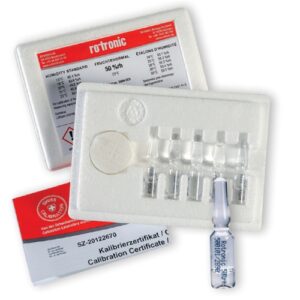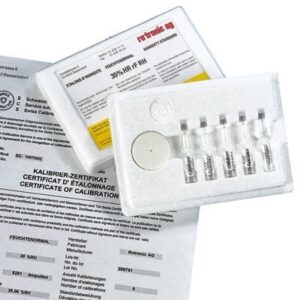
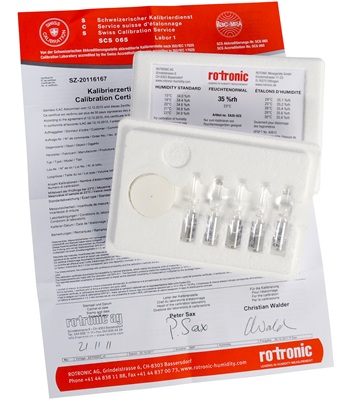
Calibrating and adjusting your Rotronic humidity probes on-site is straightforward when using Rotronic humidity standards, compatible calibration devices, and the HygroSoft software.
Rotronic calibration devices feature small, airtight chambers meticulously designed to fit a variety of probe diameters, including 5 mm, 12 mm, 15 mm, and 25 mm models.
To perform a calibration:
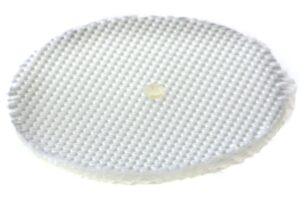
Prepare the Chamber: Pour the liquid humidity standard onto the absorbent textile pad inside the device’s screw-on lower lid.
Stabilise: Once sealed, the environment inside the chamber stabilises to generate the exact specified humidity level. (Note: Higher humidity values naturally require a longer stabilisation period).
Calibrate: Insert the probe into the chamber to compare its readings against the precise reference value of the humidity standard, allowing you to easily calibrate or adjust the device via the software.
Coming Soon
A real person will answer the phone and deal with your enquiry.
You can also click the button below and fill in our online enquiry form.
Need help with your products or have a question for us on our custom systems? Use the form below to send us a message and our experts will be in touch to help.